
Events
World of Nukes live events and seasonal coverage: event windows, rewards, how to join holiday and update events, and developer group activities.
Introduction
The Events category covers the time-boxed moments around World of Nukes: live events, seasonal windows, developer activities and the rewards that come with them. Unlike the permanent gameplay systems, events are temporary — you either show up during the window or you miss the rewards. The evidence so far points to a game that treats events as a growth lever: the Roblox page carried an UPDATE + LIVE EVENT title, and a community stats tracker places the first live-event window from October 31 to November 1, 2026, right in the seasonal Halloween-to-early-November window. The official description also promises a simple participation path — liking the game and joining the developer group grants free rewards — which makes event-adjacent rewards reachable even between events. This category helps you track what is running, what is coming and what a typical event rewards, while keeping community-tracker times clearly labelled, because event timings in practice need in-game confirmation before you plan your session around them.
Event Coverage Reference
| Event | Window | Source |
|---|---|---|
| UPDATE + LIVE EVENT | October 31 - November 1, 2026 | Community |
| Halloween / holiday windows | Seasonal coverage points | Community |
| Group reward activities | Ongoing (like + join group) | Official |
Event Timeline
UPDATE + LIVE EVENT
Oct 31 - Nov 1, 2026 live event
Halloween / Seasonal
Halloween and holiday seasonal coverage windows
Group Reward Path
Official rewards unlocked by liking the game
Event Rewards
Partially documented live-event prize pool
Core Mechanics
Events in World of Nukes sit on top of the normal game loop as time-boxed layers. The core mechanic is the event tab in the Roblox game page: while an event is active, the tab lists start and end times, and joining usually means participating in the same island action — building, striking, defending — while chasing event-specific objectives. The first large example is the UPDATE + LIVE EVENT, a developer-run window that pairs a content refresh with a live activity; community stats track the window from October 31 to November 1, 2026, though only the in-game tab can confirm the exact live timing. Alongside time-boxed events, the game runs a permanent reward mechanic straight from the official description: liking the game and joining the developer group grants free rewards, which creates a low-barrier participation path available between live windows. The practical takeaway mirrors the update loop: check the official event tab first, treat community tracker windows as estimates, and treat seasonal moments (Halloween, holidays) as natural coverage points where new content tends to land.
Advantages
The clear advantage of following events is timing: event rewards are usually exclusive or particularly generous, and because they are time-boxed, being in the loop means you can grab them before the window closes. A second advantage is the low participation barrier — the official description only asks you to like the game and join the developer group for free rewards, so even a casual player can collect event-adjacent value without grinding. Community-tracked windows also give you a heads-up lead time: by the time a tracker flags October 31 to November 1, you can schedule a session rather than discovering the event after it ended. Finally, seasonal events create update-momentum synergy — a new event window is exactly when the wiki, guides and code lists tend to refresh, so event seasons become natural checkpoints for the rest of your progress.
Challenges
The main weakness of the events data right now is that almost all of it is community-sourced and provisional. The UPDATE + LIVE EVENT window comes from a community stats tracker rather than an official schedule, and event pages like the original Roblox events listing have even returned 404, which forces us to lean on secondary sources. Seasonal coverage points (Halloween, holidays) are projections of likely content rather than confirmed schedules. There is also genuine uncertainty about event rewards — while the group-reward promise (like + join group) is official, the exact prizes for the live-event window are not fully documented. Finally, time-boxed content has a different risk profile than permanent systems: once a window closes, its rewards are often gone for good, so acting on a mistaken community date can entirely miss an event instead of merely being early.
Frequently Asked Questions
When is the next World of Nukes event?+
How do I get event rewards?+
What rewards do World of Nukes events give?+
Quick Tips
Check the official event tab first in World of Nukes, because the Roblox game page lists start and end times whenever an event is active. That in-game confirmation always outranks any community tracker estimate, so trust the tab over the tracker whenever the two disagree, and only schedule a session around a window you have actually verified.
Do the like-and-join ritual early, because liking the game and joining the Build. Defend. Nuke. developer group grants free rewards per the official description. It is the only event-adjacent reward path you can always activate, even between live windows, so completing it on day one means every future event finds you already qualified.
Treat seasonal moments as natural event coverage points in World of Nukes, because Halloween and holiday windows are exactly when a young Roblox title most plausibly schedules seasonal content. Check the event tab and the code list around those dates rather than assuming nothing landed. It costs a minute and usually surfaces an event, a code or at least a roadmap clue.
Featured
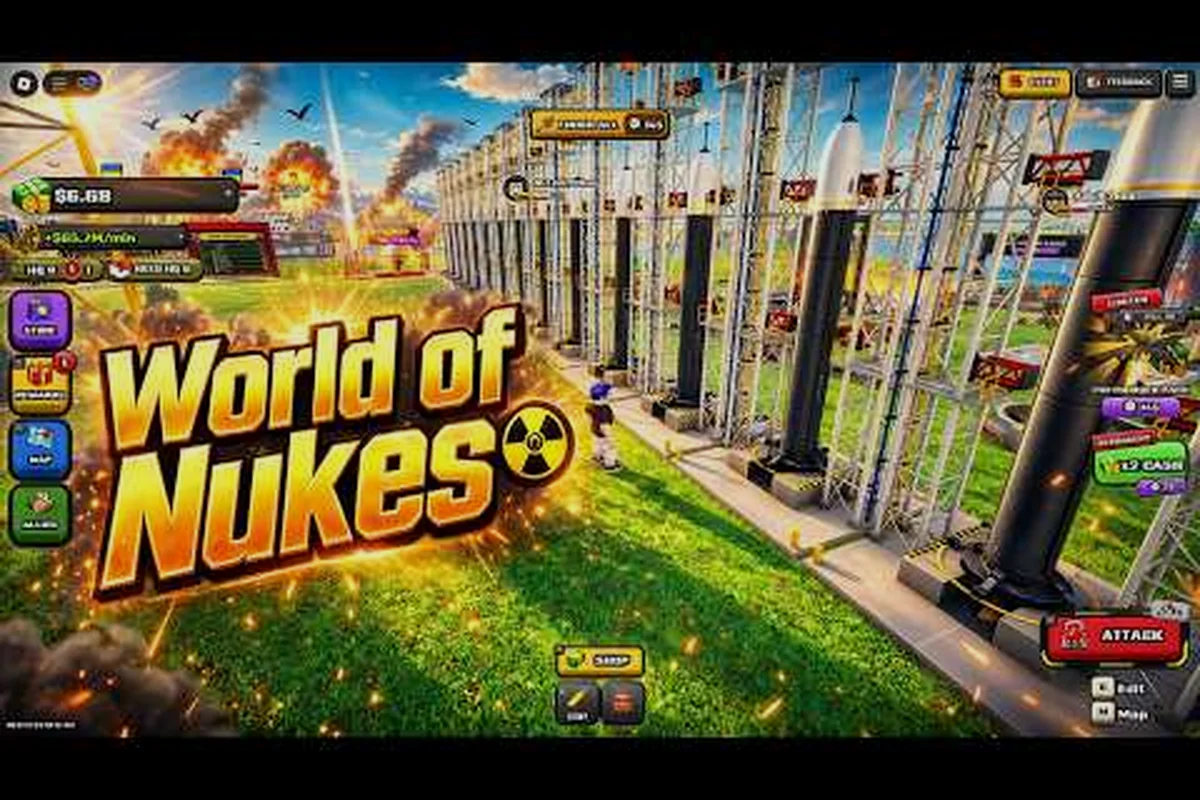
World of Nukes Event Reward Guide: Every Oct 31 Prize
Use this World of Nukes event reward guide to see what the October 31 to November 1, 2026 window pays out and how to claim every prize before it shuts.
World of Nukes Event Schedule: Dates and Times to Know
Follow the World of Nukes event schedule with exact dates and times, including the October 31, 2026 live window, so you never miss a limited-time reward.
World of Nukes Events November 2026: What Comes Next
Plan ahead for World of Nukes events in November 2026 by reviewing the October 31 live window and what its Halloween rewards suggest about the next drop.
All Articles
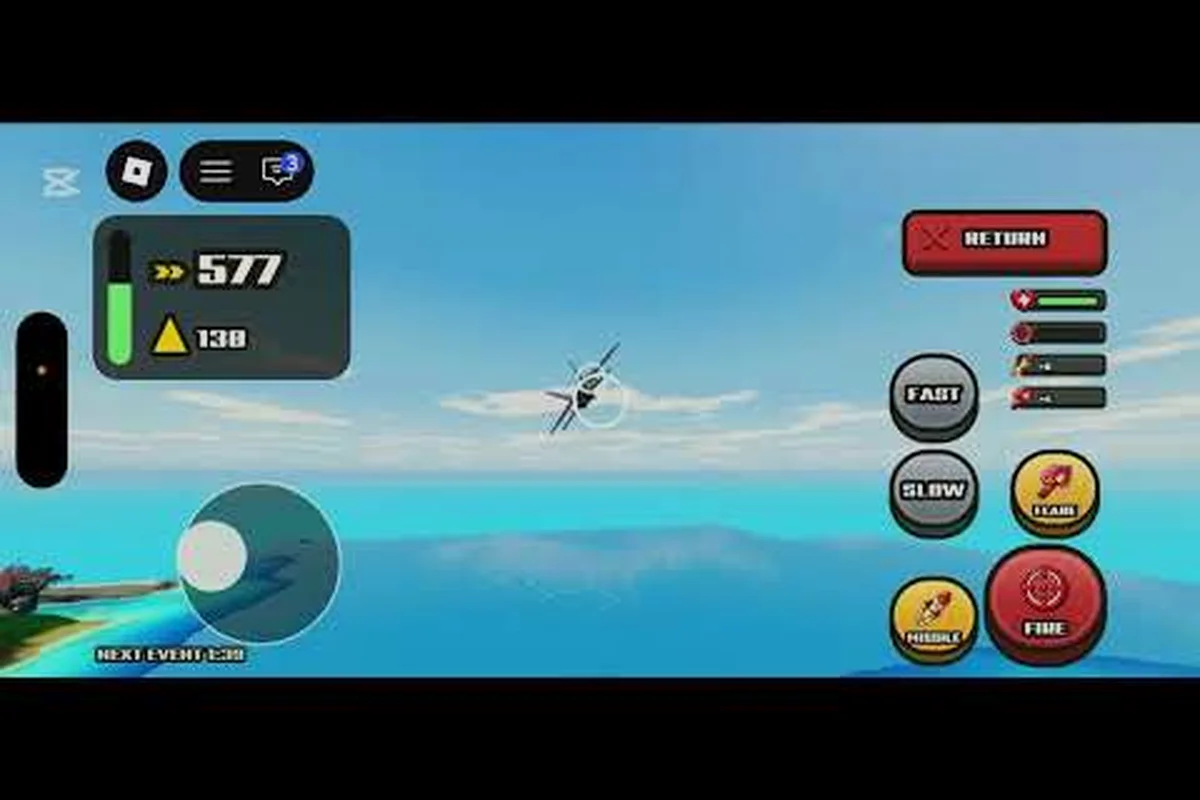
World of Nukes Halloween Event 2026: Seasonal Prize Rundown
Join the World of Nukes Halloween event 2026 during its October 31 live window, then claim the seasonal prizes before the November 1 shutdown.
World of Nukes How to Get Event Rewards: Claim Steps and Prizes
Learn how to get event rewards in World of Nukes by catching the October 31, 2026 start time, joining the live window, and claiming each item before November 1.
World of Nukes Live Event Rewards: Payouts Before Nov 1
See what World of Nukes live event rewards pay out during the October 31 to November 1, 2026 window, and how each prize is claimed before it expires.
World of Nukes Live Event: October 31 Window Start Times
Catch the World of Nukes live event during its October 31 to November 1, 2026 window, with the exact start time and how to join before it closes.